
Rocket Pro Originate
Rocket Pro Originate enables professionals in and around the homebuying process to sell home loans to their clients as an additional stream of revenue. Users can add mortgages to their business with little-to-no experience.
Remove a client
Role:
UX Designer
Created diagrams, designed a hi-fidelity prototype, worked with legal and banking teams to understand to maintain compliance, wrote the final copy.
Context:
When it comes to the home loan process, clients can drop out of the process at any time and for a number of reasons. However, due to legal compliance and providing the best experience for the client, it’s not as simple as adding a generic “remove” option for each use case. This project aimed to add an option to remove a client at every step of the loan process.
Some details have been left out due to confidentiality.
Clip 1/2 of the final prototype
Clip 2/2 of the final prototype
Loan stages and types
Before we start on the work I did, we have to understand the existing information architecture of the list of clients on Rocket Pro Originate. Prior to this work, there were three stages a loan could be in:
Pending submission: These are loans that haven’t been submitted by the user yet. The application (for all mortgages in the U.S., the application is derived from form 1003) is only partially finished and therefore saved in our system for completion.
Submitted: These are clients that have had their applications submitted to Rocket’s processing team. These may also be referrals, which means the user is giving the client’s contact info to Rocket’s team to take the application.
Archived: These are clients who are no longer moving forward on a mortgage.
In addition to these stages, there are 4 different ways a loan can enter our system. I’ll be using some internal jargon used to differentiate these loans, however in the product these aren’t documented:
Start new loan: This method is when the user finds a client and starts the 1003 form for the first time using the RPO product.
Boomerang: The user sends a link to the client to start the 1003 on their own. Once the client is done with their portion, it “boomerangs” back to the user to finish the application by performing a credit pull and going through the home loan options generated.
Refer: The user gives Rocket the client’s name and contact info to take the application instead of themselves.
Follow: A user enters in their client’s existing loan number with Rocket to track their loan progress, even though they didn’t start the loan or refer them. This is useful for real estate agents.
Lead gen: A user gets a client’s contact info from Rocket and is responsible for converting them and starting a loan.
Diagramming
My first attempt at diagramming this only took the loan type into consideration. It helped me get down my thoughts on the different ways we could remove which include:
Reassign: Give the client and their loan to a different banker. Users might choose this if their bandwidth is not compatible or if they are having issues with the client.
Cancel inquiry: The client’s application has been started, but they are no longer interested in a loan at all and want their mortgage inquiry canceled.
Call us: In cases where credit check has already been run for the client, there are no self-service options available for the user to remove the loan. In this case, they must call us to comply with regulatory standards.
Remove: In cases where no loan application has been started, the client can simply be removed from our system.
Commandeer: This option exists solely for “boomerang” loans. Sometimes clients like to start their own applications but then have questions and need help before the credit check. In these cases, the user can “commandeer” the loan and finish filling out the application for the client.
Unfollow: For loans that were followed, the user can’t remove the client from the system since they were not responsible for entering them in. In this case, we simply remove the user’s access to the loan and remove it from their list of clients.
After meeting with our legal team, I refined the diagram to include documentation of whether the client has given consent to have their loan followed, and also incorporated the loan stages for clarity:
Prototyping
Once this diagram had sign off from the product manager, banking and legal, it was time to begin prototyping. I used Adobe XD for this prototype. I used Rocket’s design system at the time, following the team’s component usage guidance for most of the project.
I liked to set up my files like diagrams so that they make sense whether you are in the prototype or looking at the artboards. I used desktop to create the hi-fidelity prototype, but also recreated each component in the style of responsive web since our design system did not have responsive components.
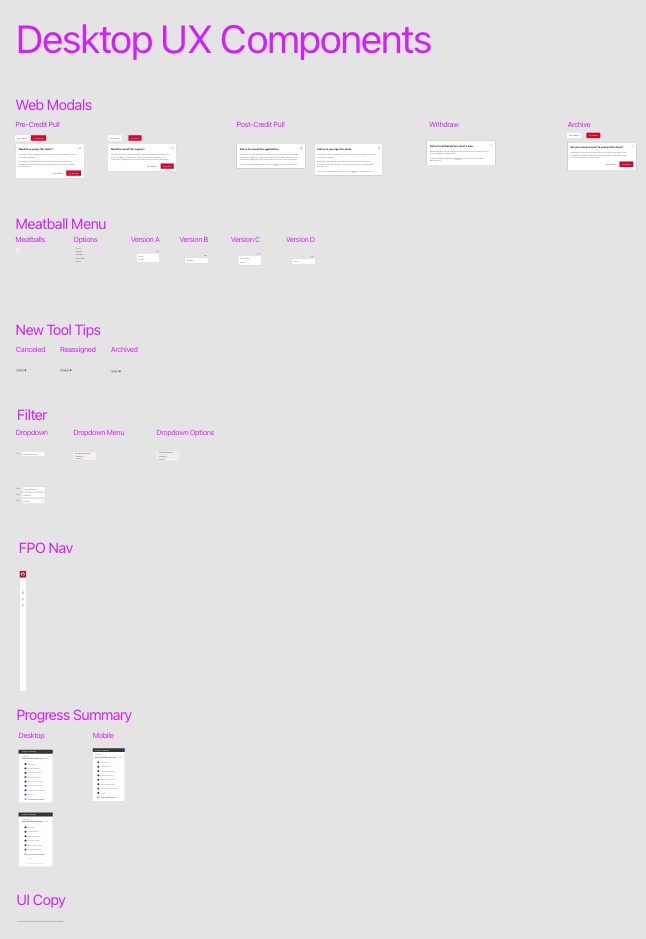
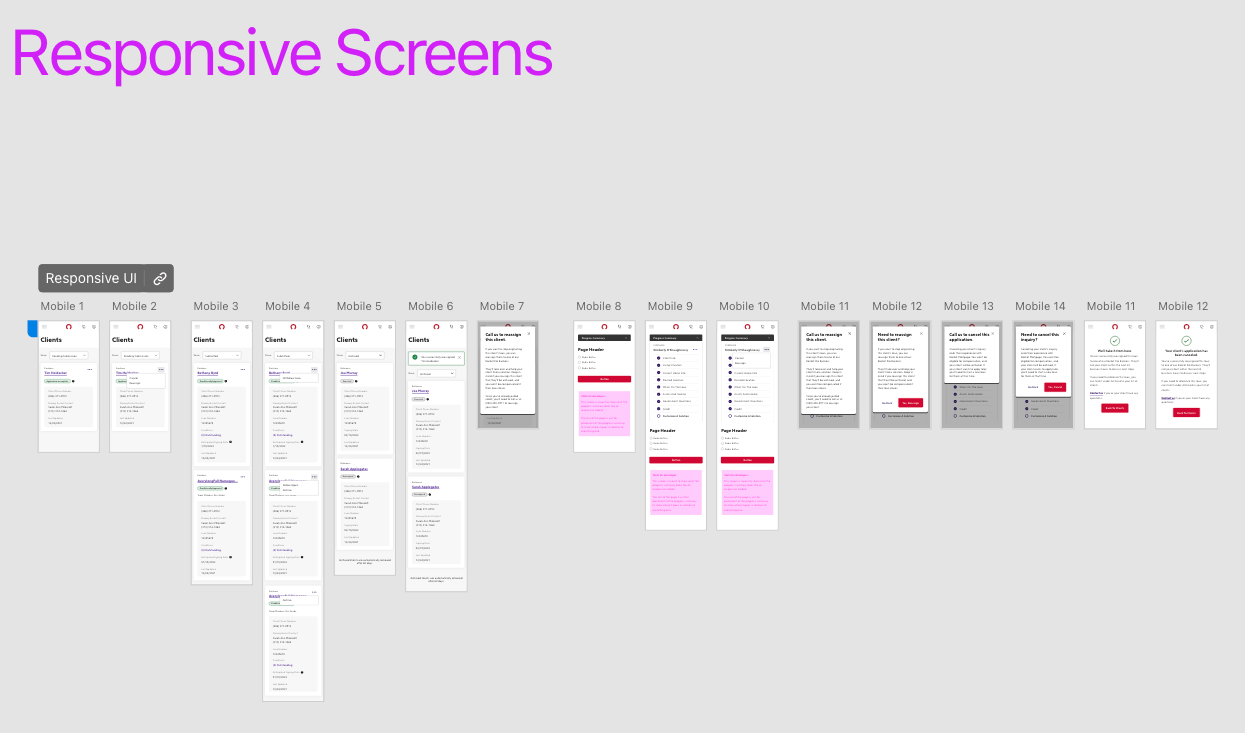
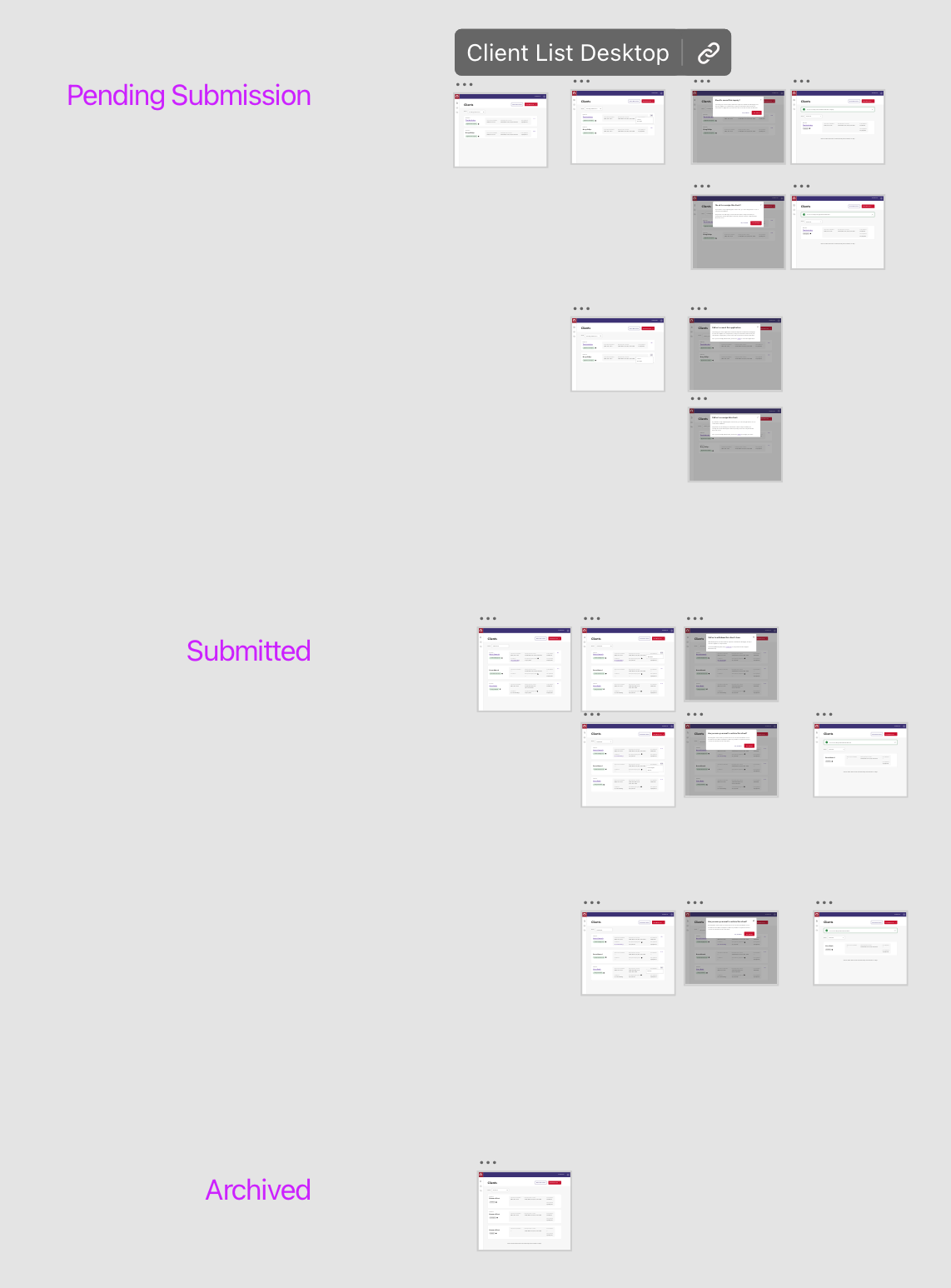
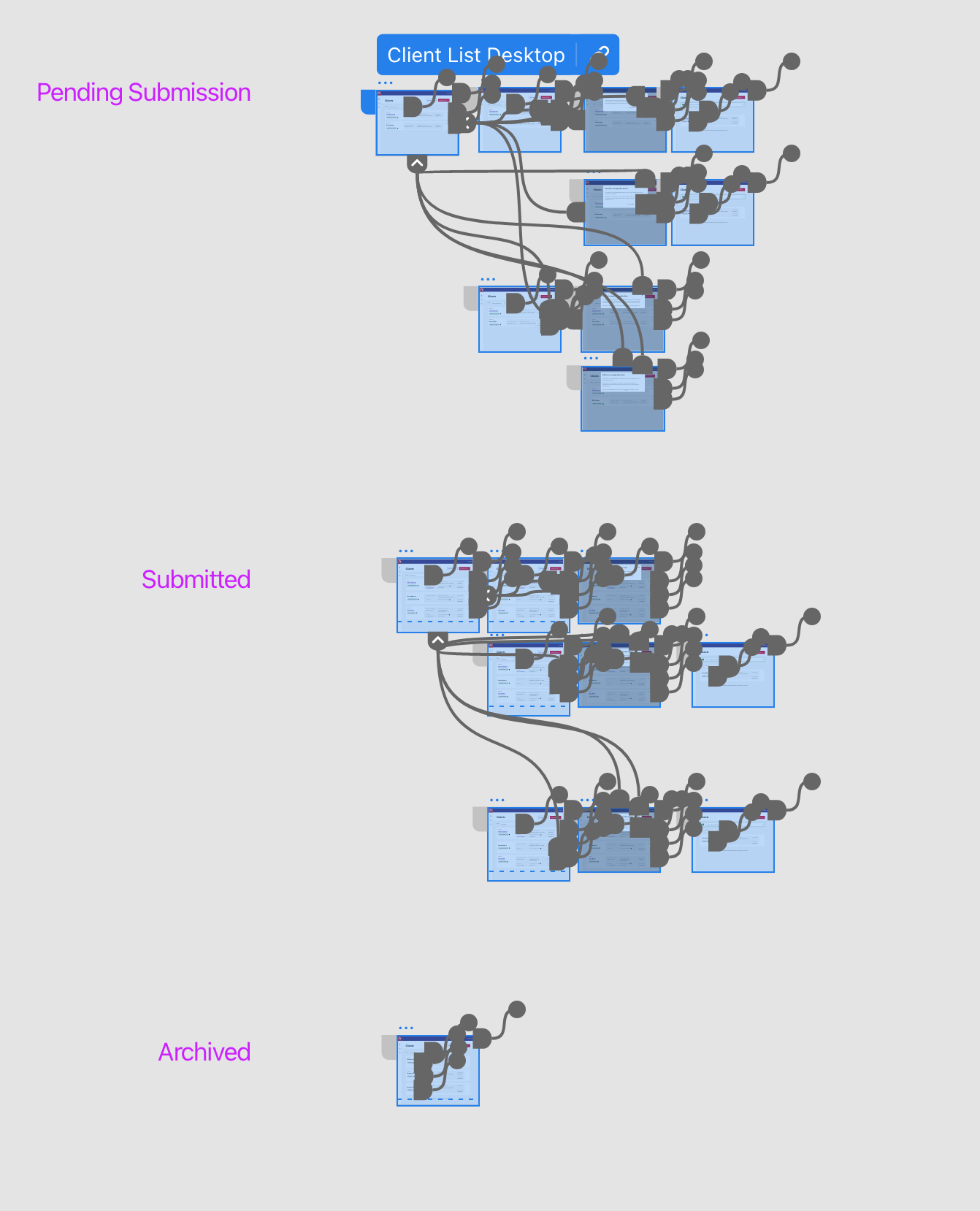
I laid out my art boards and annotated them with the loan stages so that the file also served as an information architecture document. My philosophy is that, when time permits, to create hi-fidelity prototypes so that engineers can work as efficiently as possible and reduce the need for them to come back and ask question. Although I believe communication with engineers is always needed!
Impact
When this launched, it reduced the need for users to call our internal bankers to remove these loans. It also strengthened our compliance as we could now show regulators that we built ways for our users to directly remove clients from the system without delay, ensuring that clients who did not want to continue with the mortgage process weren’t receiving unwanted calls and emails in a time range that was more in line with client expectations.
Prototype for usability testing
Role:
UX Designer
Worked with Product Manager, Bankers, UX Writer, Account Executives to get feedback before putting concepts in front of real estate agents.
Context:
Real estate agents could use Rocket Pro to offer refinances for their clients. Clients would refinance to consolidate debt, lower their interest rate or take cash out of their equity. In some cases where a user wanted to lower their interest rate or take cash out, they actually had to consolidate debt in order to lower their DTI enough to qualify for a loan at all.
This is one of the prototypes I created for testing.
Prospect Assist
Role:
UX Designer/UX Researcher/UX Writer
Performed card sorts, unmoderated user interviews, designed a prototype and wrote copy.
Context:
When rates began to rise after a period of historic lows, it became much harder for our users to source clients. As a result, we released a feature to a small group of users that would allow them to send Rocket their client’s contact information for us to screen them and then let them know if the client would be a good pursuit for the rest of the application or not.
This work aimed to reduce the hurdle of making that first call to a client and take some of the pressure off the user while still overall reducing operation costs of closing a loan for Rocket when compared to a traditional loan.
Some details have been left out due to confidentiality.
Prospect Assist form
Submission confirmation page
Naming and information architecture
Because this feature was primarily a digital entry point to an offline process, there wasn’t as much to consider for the UI. However, to ensure that this feature had the best chance at success, I did a lot of work to name the feature and place it in the navigation.
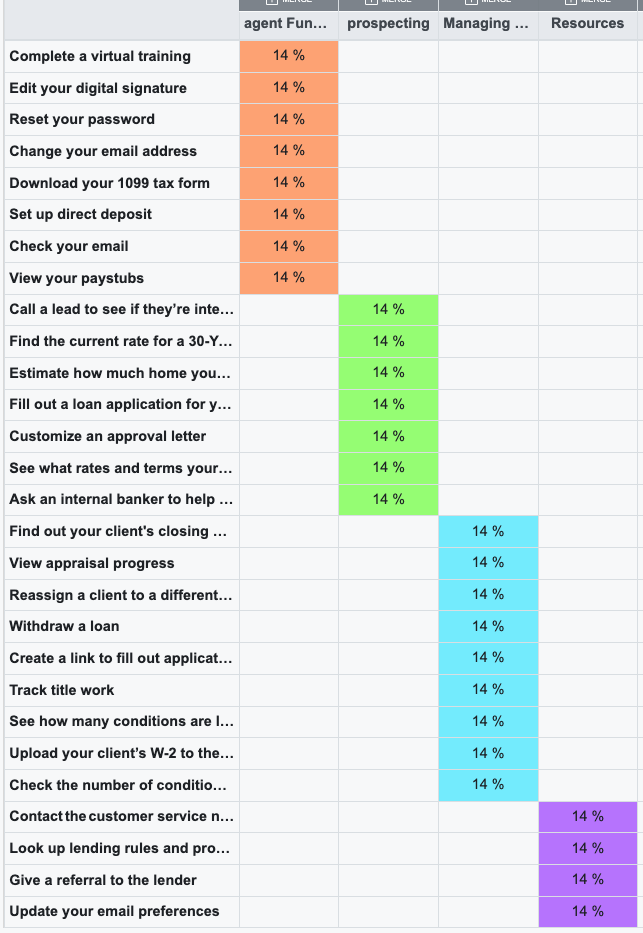
First, I ran a card sort with the capabilities available in RPO. I included the main value prop of Prospect Assist as “Ask an internal banker to call the client to screen them before taking their app.”. When the card sort came back, it grouped together features like starting a new loan, using a rate calculator, checking rates and Prospect Assist under a category called “prospecting” (named by participants). This informed me to place this action with other similar actions, which led to it’s placement as a button on the Clients page.
I also ran 20 unmoderated user interviews to ask participants how they felt about various names for the feature. First I asked participants to name the feature based on a description of it’s capabilities, and then asked them to evaluate a specific name for the feature. Based on these interviews, we ended up choosing Prospect Assist.
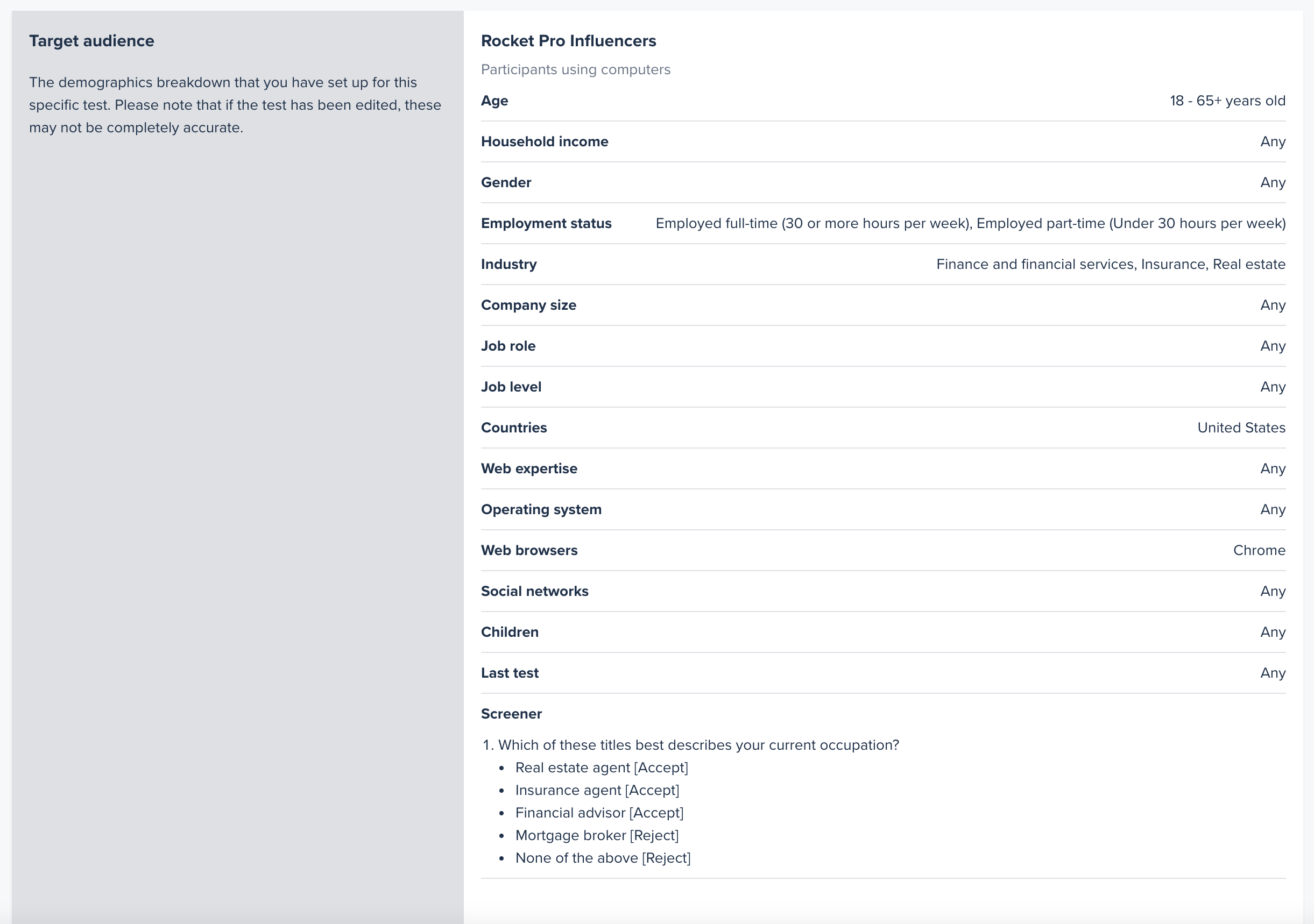
The audience chosen for the interviews
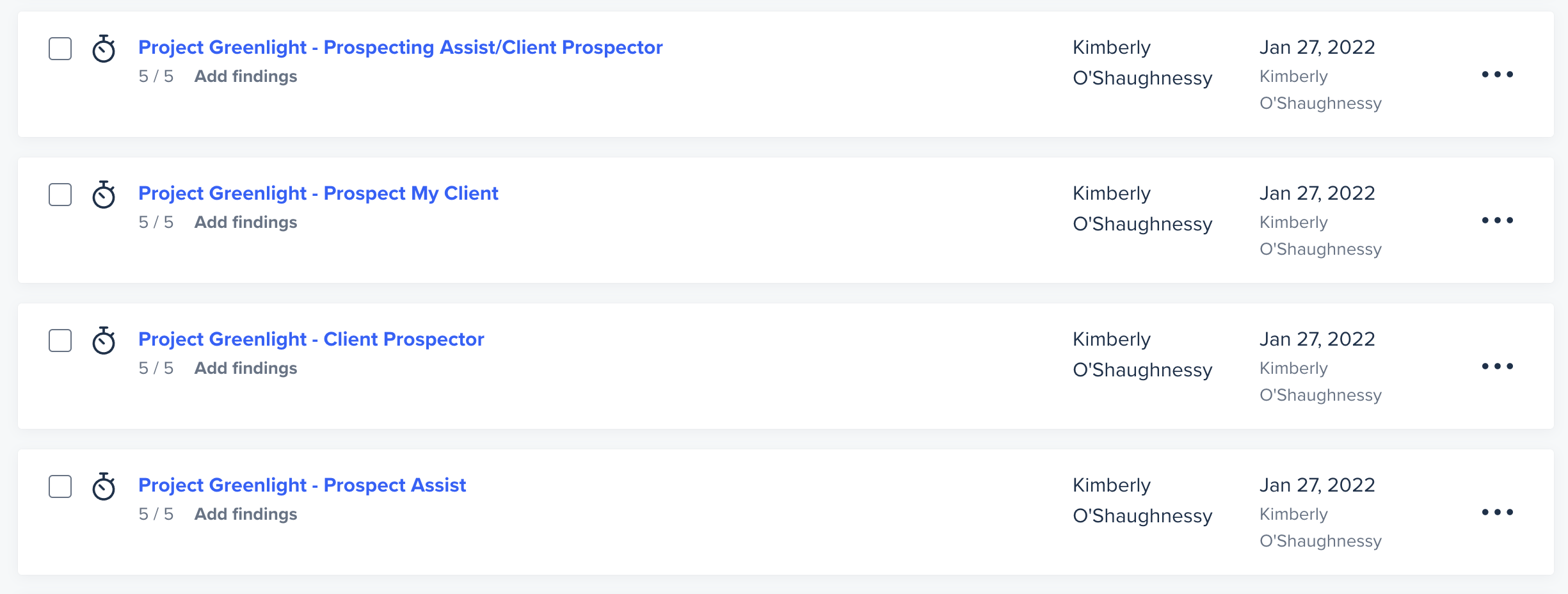
The variations tested
Impact
Since rates were moving fast, we had to as well. This was scoped to be a very low-tech lift to see if there was any interest at all in a solution like this before creating a more complex solution. Ultimately, while it had a net positive impact on the number of loans that came in, it was decided that the juice wasn’t worth the squeeze moving forward. Thus, this low tech solution became the end-state.
Service blueprint
Role:
UX Designer
Synthesized previous research, chatted with cross-functional teams to understand more about their role, worked with other product designers to align on what to include in the blueprint.
Context:
Again, once rates began to rise, the team began questioning if we still had product market fit. In order to evaluate all potential areas of opportunity, the design team led a service blueprinting activity. Financial services is one of the most challenging industries to blueprint since there are so many roles involved and many factors that influence the loan approval process. As the most senior member of the Rocket Pro design team, my input was crucial to understanding the various channels of activity.
Download as PDF for the best viewing experience